
Preparing the PIN device:
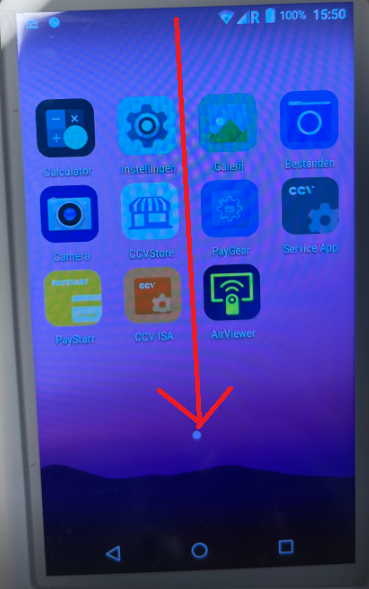
Swipe down from the top of the screen
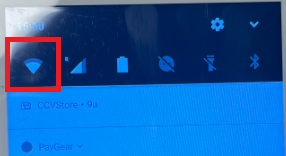
Press and hold the Wi-Fi icon
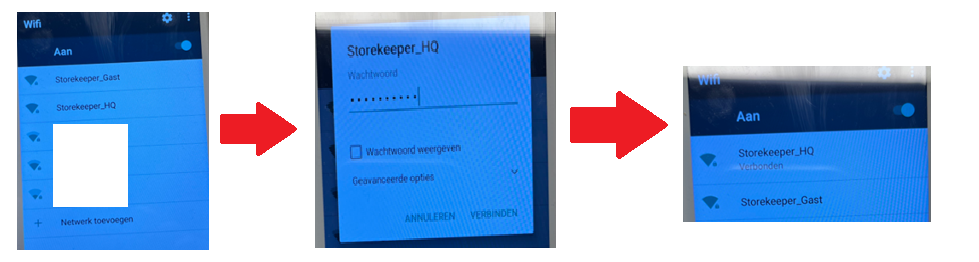
Connect to the correct Wi-Fi network
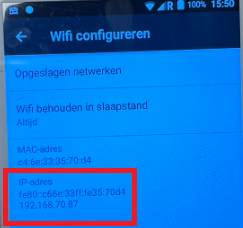
Tap the gear icon in the upper right corner
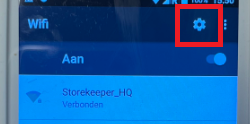
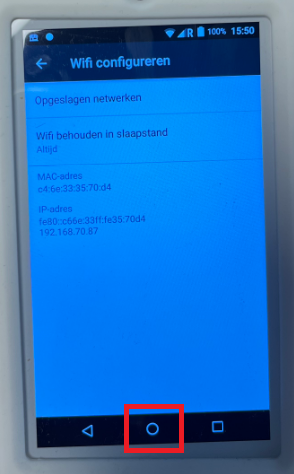
Write down the IP address (In this example, the IP address is 192.169.70.87)
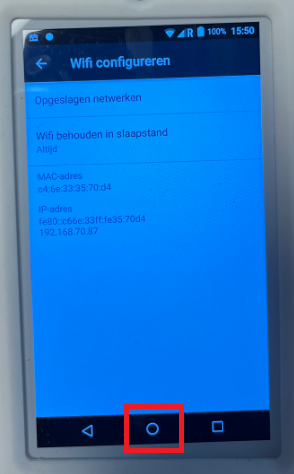
Tap Home
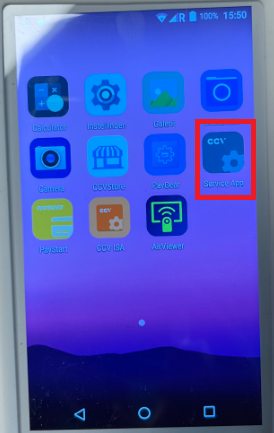
Open the CCV Service app
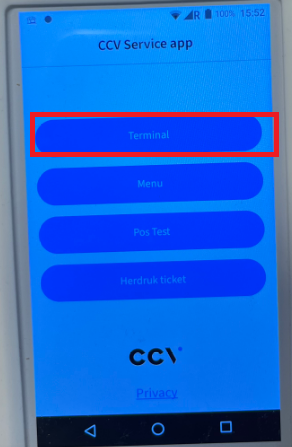
Tap "Terminal"
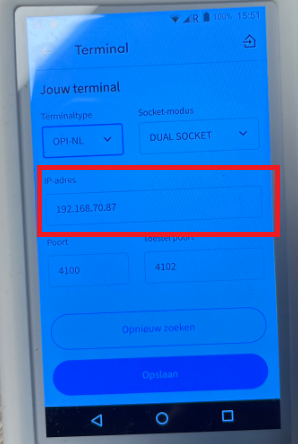
Enter the IP address
Tap Save

Tap Home
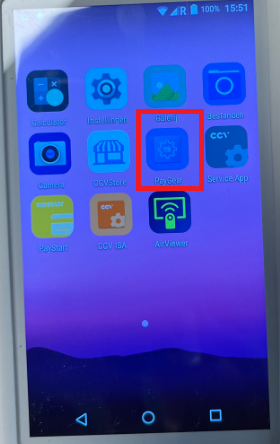
Open the Paygear app
Link the PIN terminal in the back office
Go to the App Store in the back office

Search for "CCV"
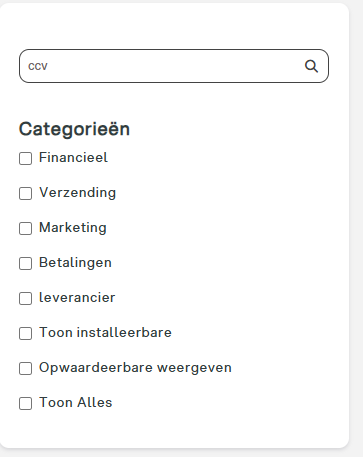
Open the CCV Payment Terminals app or install it if it isn’t already installed
(If it’s not available, please contact us)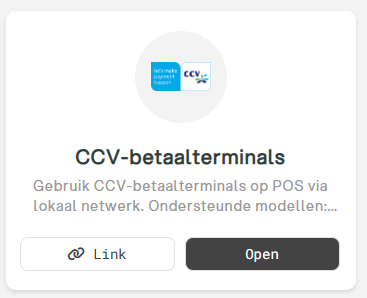
Click on + New Terminal
Enter the name, IP address, location, and serial number of the payment terminal (The serial number is located on the back of the device)
Click Save
Use the terminal as a PIN device
Open the POS application
Log in with a user account that has sufficient permissions
Go to Settings
Tap "Payment Terminal"
Select the CCV payment terminal you just added
Start a test transaction